


Build Your Business Budget
Business budgeting that keeps you on track
Budgeting, progress tracking, scenarios, and cash flow forecasting — all in one app.
As seen in:


Creating an accurate budget is tricky without any guidance
- What actually belongs in it, and what gets forgotten until it's a problem?
- How do you compare to industry standards?
- How will changes impact your cash flow?
LivePlan builds the budget and then helps keep you on track
Get detailed guidance every step of the way
Not sure where to start, or what to include? LivePlan gives you a process for every part of your budget, and the LivePlan Assistant will build the numbers with you if you'd rather talk it through than type it in. Prefer to enter the numbers yourself, or bring in a spreadsheet? Both work. Or import from QuickBooks or Xero for an even faster start.
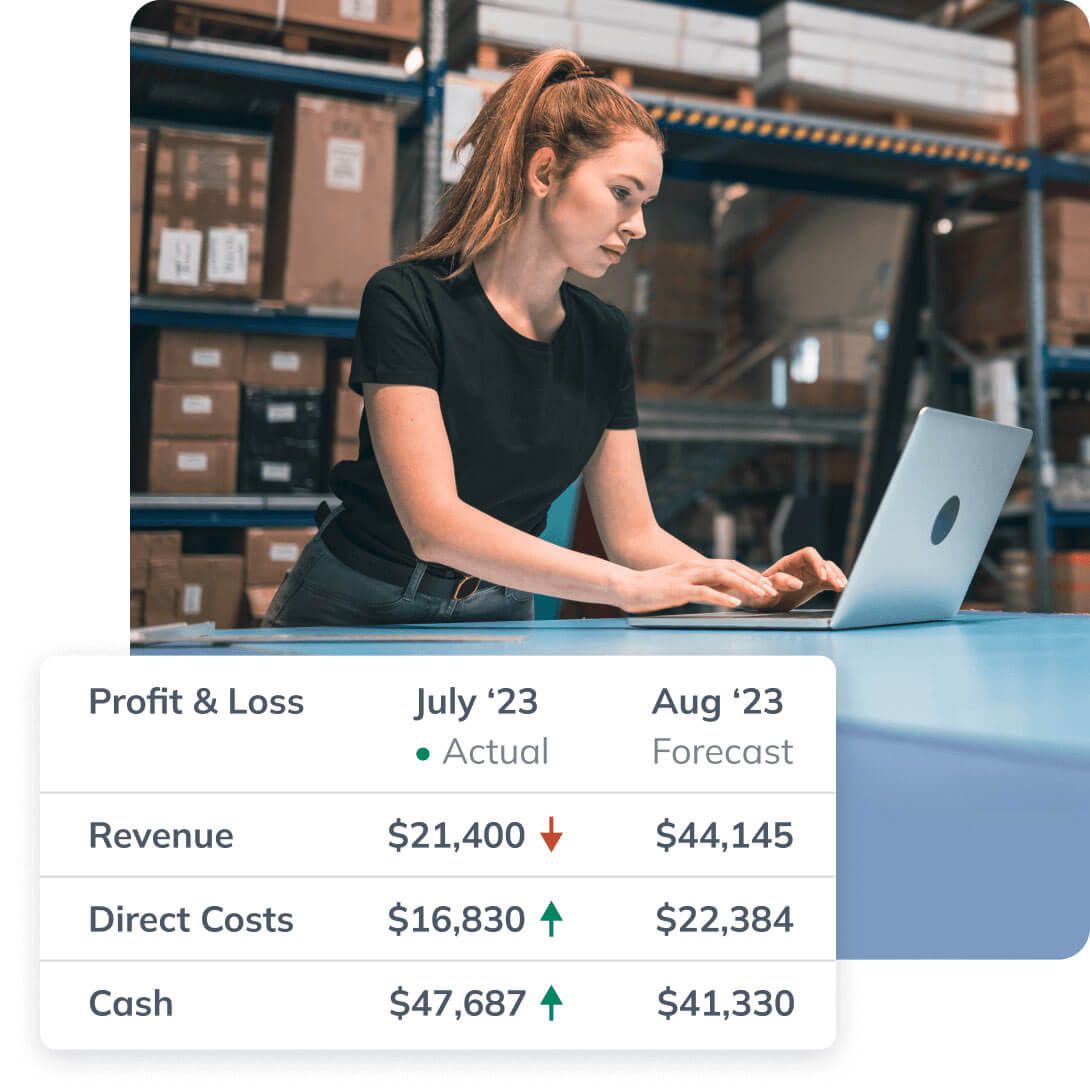
- Build profit & loss statements, cash flow forecasts and more. Every statement is linked, so a change in one is automatically reflected everywhere else.
- Make changes just by asking: "Increase sales 10% next year"
- Get AI-generated suggestions if you're not sure what to include

Using Xero or QuickBooks?
Sync your accounting data and LivePlan drafts the budget from your real history instead of a blank page. You get a starting point built from what the business has actually done, and you edit from there. The connection is one-way: LivePlan reads your books, and we never edit your books.
See how LivePlan works with:
Build multiple budgets to test different scenarios
What happens if you hire? Buy new equipment? Open a second location? Raise prices? Build up to 10 versions of your budget and see what each one does to profit and cash before you commit, with five-year projections for profit and loss, cash flow, and other key metrics.

Budget against what's normal for your industry
Find out what businesses like yours actually spend on marketing, rent, and the rest, and whether your margins and costs are in-line with industry standards.
- Get benchmark data for 13 data points, including spending and profit metrics
- Compare your forecast and results to industry benchmarks at a glance
- Get data for specific regions and business sizes.

See whether you hit your numbers
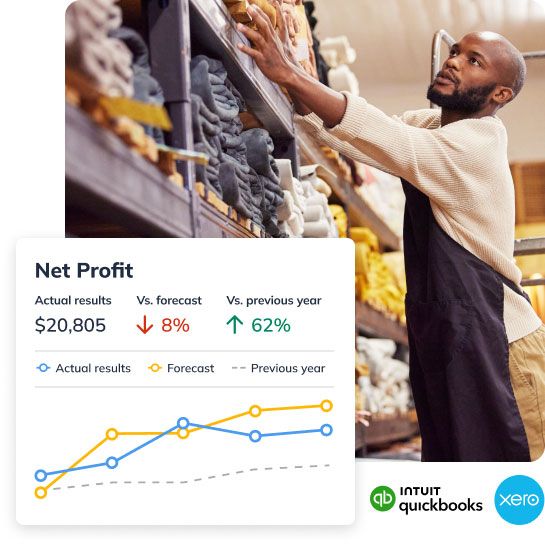
Track your real revenue and expenses against your budget so you know where spending ran over while you can still do something about it.
- Sync Xero or QuickBooks to get real-time dashboards. Or import actuals with .csv
- Spot opportunities to reduce expenses
- Set financials goals and understand what it will take to reach them
Plenty of support to help you succeed
Inspiration powered by AI
Get suggestions for revenue streams, expense types, and other budget categories specific to your business.
Guidance from business experts
Stay on track with video walk-throughs, webinars, and more from business planning experts.
Get help from humans
If you ever have a question, you can instantly chat with a LivePlan expert.
Create a budget for your business today
QuickBooks records what you've already spent and earned. LivePlan turns that into a budget for the months ahead: what you plan to spend and bring in, whether you're hitting it, and what a hire or a big purchase would do to cash before you commit to it. QuickBooks' built-in budgeting is limited, doesn't help with cash flow, and doesn't let you consolidate a messy chart of accounts. LivePlan simplifies complex chart of accounts and creates forecasts for all aspects of your business while keeping everything connected.
No. We never edit your books. The connection is one-way: LivePlan reads your QuickBooks or Xero data to build and update your budget, and nothing it does writes back into your accounting system.
No. Plenty of owners use LivePlan for the budget, the scenarios, and the monthly check-in and never touch the plan tools. They're there when a bank, a partner, or an investor asks for the written document, and they'll already agree with your numbers when that happens.
Yes. Your account includes up to 5 contributors who can edit alongside you, plus unlimited guests who can view and comment. Most bookkeepers want a contributor seat so they can keep the actuals and the budget lined up.
You can download or print your budget and statements as a PDF on any plan. LivePlan Premium adds .csv export, so you can open the budget in Excel or Google Sheets and hand it to whoever asks for it.