



Switch to LivePlan Without Starting Over


Jump to

Bring your context, plans, and ideas from other AI providers to LivePlan so you can turn conversations into an investor-ready business plan. With one copy-paste, LivePlan imports your AI conversations and updates its memory so it can pick up right where you left off.
If you've been using ChatGPT, Claude, or Gemini to develop your business plan, you probably have dozens of scattered conversations full of valuable insights like revenue models you explored, target markets you debated, pricing strategies you tested.
The problem? Those insights are buried across multiple chat threads (or maybe one mega thread) with no clear structure. You can't hand those conversations to an investor. You can't use them to track progress or make decisions. They're useful, but they're not a plan.
Here's how to fix that.
The Difference Between AI Conversations and Actual Planning
AI tools are excellent for brainstorming and exploring ideas. You can ask questions, test assumptions, and refine your thinking faster than you could on your own.
But conversations aren't plans. Plans need structure. They need financial forecasts. They need to be updated as you learn. They need to be shared with investors, partners, or your team. And, they need to look impressive and be in the format investors expect.
Most entrepreneurs hit this wall eventually. They've done the thinking work in ChatGPT or Claude, but now they need to turn those scattered insights into something organized and actionable.
What LivePlan's Reference Files Feature Does
LivePlan just launched a feature designed specifically for this problem: Reference Files.
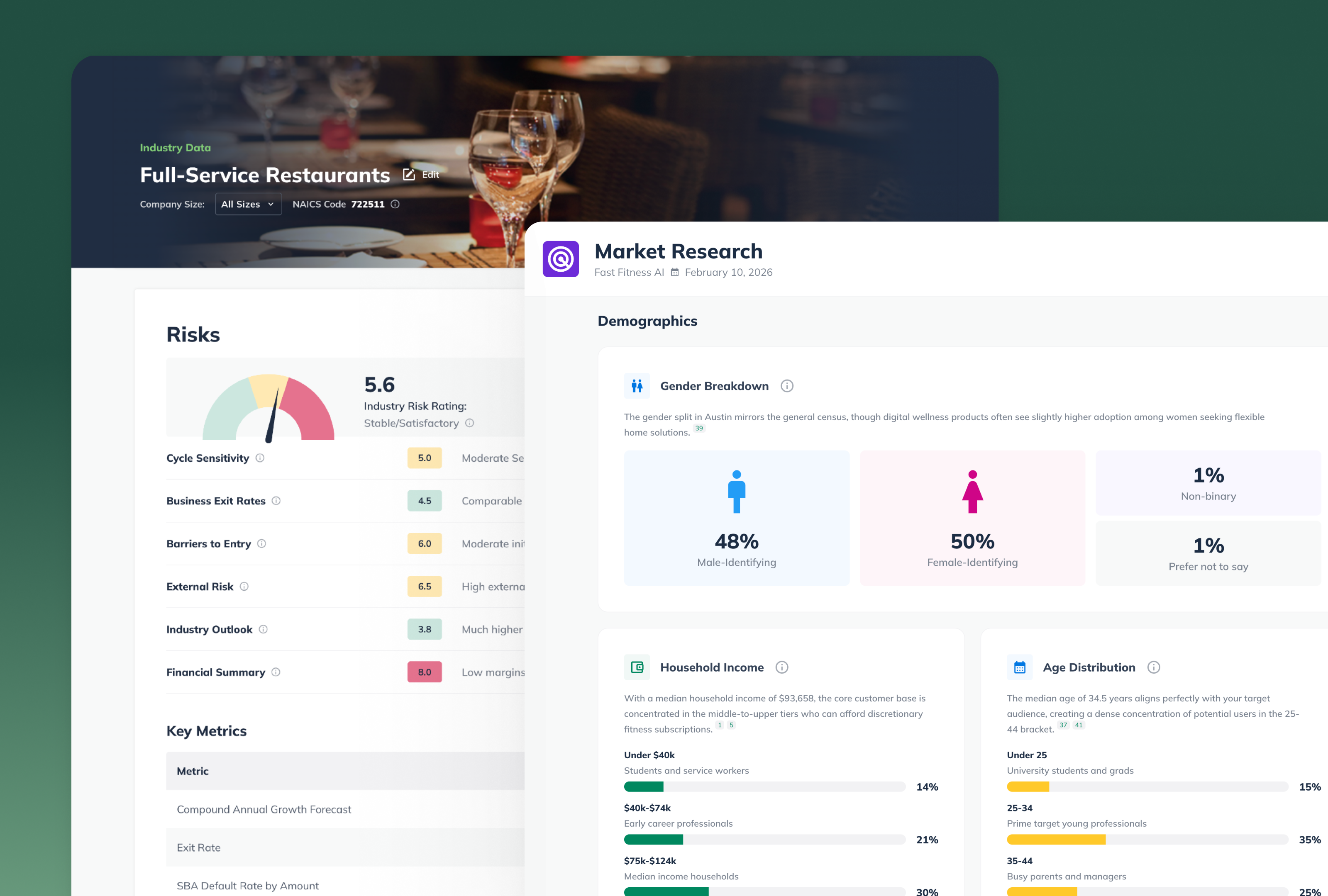
You can upload documents—including exports from your AI conversations—and LivePlan uses that information to help you build your business plan. Instead of starting from scratch, LivePlan picks up where your AI conversations left off.
The result is a structured plan that investors can actually read, with financial forecasts you can easily and reliably adjust, in a format that grows with your business.
How to Export Your Work from ChatGPT, Claude, or Gemini and Import it Into LivePlan
Before you can import anything into LivePlan, you need to get your AI conversations into a usable format.
We've created a prompt that does exactly that. Copy this prompt and paste it into whatever AI tool you've been using:
Prompt:
I am moving my business planning work into LivePlan. Please create a context-preserving briefing document that captures our discussion to date. This document is intended to be read by another AI system to continue the planning process.
Critical Guardrails (The 'No-Hallucination' Policy):
- Zero-Infill Policy: If a specific section or data point listed below was never discussed, do not attempt to 'fill it in,' suggest options, or infer what I might want. Simply state 'Not Discussed' for that section.
- Preserve Uncertainty: Do not reconcile contradictions. If I was undecided or changed my mind, document both points as a 'tension' or 'pivot.'
- No Polish: Do not improve my language or add professional flair. Use factual, neutral, and concise language.
- Status Tags: For every point, label it as: [Confirmed Decision], [Working Assumption], [Explored/Undecided], or [Rejected Idea].
Document Structure:
- LivePlan 'Pitch' Metadata
- Headline/Business Name:
- Industry/Category:
- The Problem: (The specific pain point described)
- The Solution: (The product/service as described)
- Target Market: (Specific segments mentioned)
- Execution & Channels
- Marketing Strategy: (Concepts discussed for reaching customers)
- Sales/Distribution: (Channels or methods discussed)
- Milestones: (Any specific dates, goals, or deadlines mentioned)
- Financial Data & Assumptions (Table Format)
- Extract any specific numbers mentioned into a Markdown table.
- Revenue Streams: (How the business makes money)
- Pricing: (List specific amounts, tiers, or models)
- Key Costs: (List any mentioned overhead, COGS, or startup expenses)
- Note: If numbers were hypothetical or illustrative, label them as [Illustrative Only].
- Strategic Context & Rationale
- Competitive Landscape: (Who we are comparing against and why)
- Founder Context: (Relevant background mentioned)
- The 'Why': (Specific reasoning provided for key decisions made so far)
- Open Questions & Tensions
- Unresolved Decisions: (Areas where we explicitly deferred a choice)
- Contradictions: (List any conflicting ideas or competing priorities identified in the chat)
- Raw Drafted Content
- Provide the most recent versions of any narrative sections (e.g., Executive Summary, Mission Statement) we drafted. Provide these verbatim; do not rewrite them.
Write this as a technical, factual briefing. If the conversation has not covered a section, leave it blank or mark as 'Not Discussed.'
Once you run this prompt, the AI will generate a structured document that captures everything you've discussed—decisions you've made, assumptions you're testing, questions you're still exploring.
Save that output as a text file or PDF.

Importing Your Work Into LivePlan
Now that you have your export, here's how to bring it into LivePlan:
- Create a LivePlan account (or log in if you already have one)
- Start a new plan or open an existing one
- Upload your export as a Reference File
- Go to the Reference Files section in the plan
- Upload the document you just created
- Let LivePlan use that context as you build your plan
- As you work through each section of your plan, LivePlan will reference the information from your uploaded file
- You'll still make the final decisions, but LivePlan will suggest content based on what you've already explored
What You Get That AI Alone Can't Provide
Importing your AI conversations into LivePlan isn't just about organization. It's about getting access to tools that conversations can't provide.
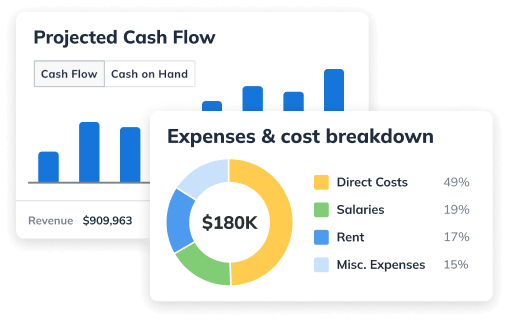
Financial forecasting that actually works. LivePlan builds real financial models—profit and loss statements, cash flow forecasts, balance sheets. You can't do that in a chat window.
A plan that updates as you learn. Your business will change. LivePlan lets you update your plan monthly and track performance against your original forecast. AI conversations don't.
Professional output you can share. Investors and lenders need a formatted plan. LivePlan generates that with font and color options that match your business. Copy-pasting chat logs doesn't do that.
Structure that forces you to think through details. A good business plan isn't just strategy, it's operations, milestones, marketing tactics, and team structure. LivePlan walks you through all of it.
Why This Matters Now
If you've been exploring your business idea with AI, you've already done valuable work. But at some point, exploration has to become execution.
That transition requires structure. It requires financial models. It requires a plan you can actually use to make decisions and track progress.
This process that helps you get your ideas out of AI and into LivePlan lets you keep the insights you've already developed while adding the structure and tools you need to actually build your business.
Get Started
Use the prompt above to export your work from ChatGPT, Claude, or Gemini. Then upload it to LivePlan as a Reference File.
You'll turn scattered conversations into a structured plan without losing any of the thinking you've already done.
That's how you move from exploring an idea to actually building a business.

Noah Parsons
Before joining Palo Alto Software, Noah Parsons was an early Internet marketing and product expert in the Silicon Valley. He joined Yahoo! in 1996 as one of its first 101 employees and become Producer of the Yahoo! Employment property as part of the Yahoo! Classifieds team before leaving to serve as Director of Production at Epinions.com. He is a graduate of Princeton University.Noah devotes most of his free time to his three young sons. In the winter you'll find him giving them lessons on the ski slopes, and in summer they're usually involved in a variety of outdoor pursuits.Noah is currently the COO at Palo Alto Software, makers of the online business plan app LivePlan.