


Cash Flow Forecasting Software
See a tight month coming.
Know what your cash balance will be next week and next year. Explore different scenarios and see how changes impact your cash flow.


As seen in:


Cash flow forecasting software that shows you the squeeze before you're in it
Build the cash forecast your way
Whether you're a startup without much history or an existing business with plenty of data, you can build a cash flow forecast.
Existing businesses can import data from a spreadsheet you already keep, or sync with Quickbooks or Xero.
Or start from scratch: just describe the business and let LivePlan build the forecast. You can dive into the details and edit anything directly.
Either way, you'll get a full cash flow forecast, with no formulas to maintain.

Sync your accounting data to minimize manual work
LivePlan's cash flow management software pulls in your accounting data to instantly create a starting point for your forecast. Then it updates your actuals for each month so you can compare them to what you projected. Cash and profit forecasts automatically update based on what actually happened.
Syncs with Xero & QuickBooks
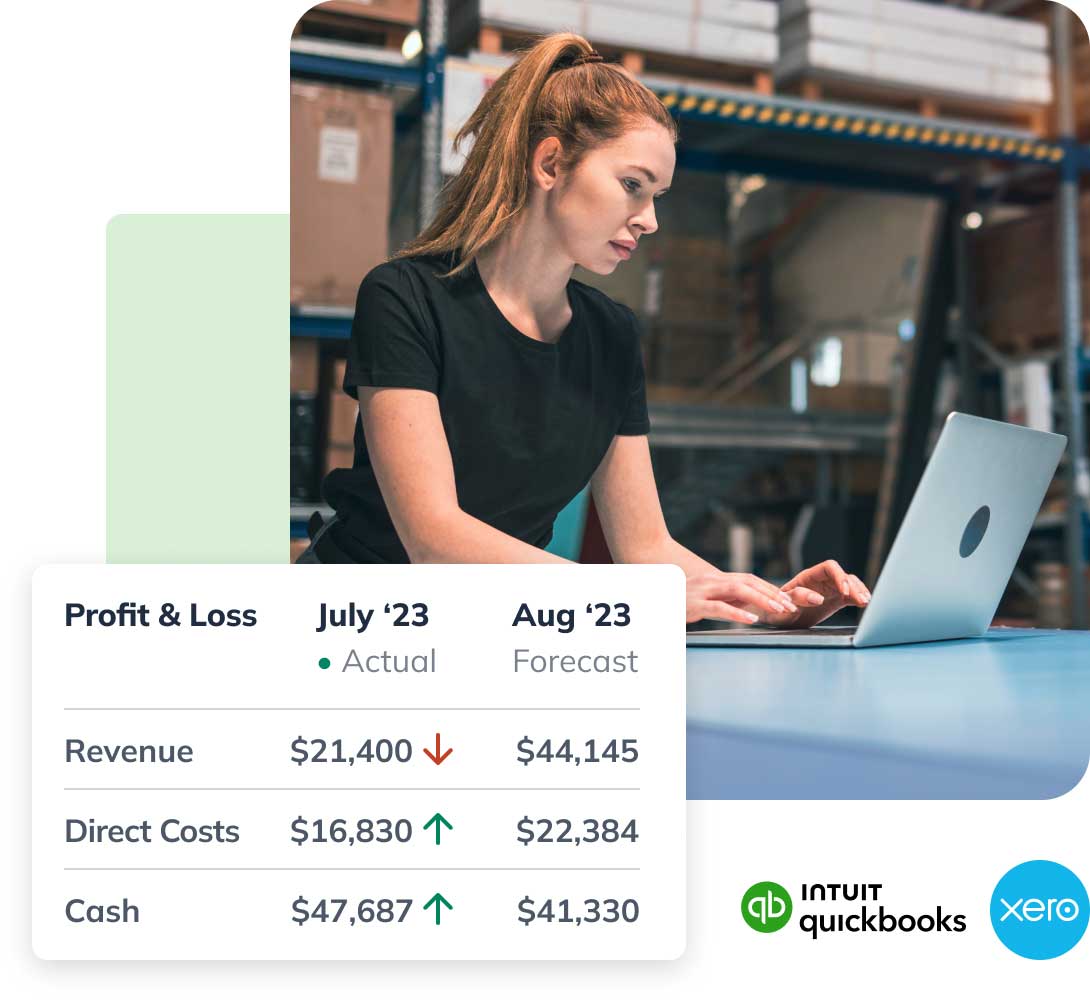
Your forecast updates as the money moves
Once you're connected to your accounting software, your cash and profit totals refresh from real results as they land, and your future cash balances move with them.
The forecast you're looking at is the current picture, not the one you built in January. That's the difference between spotting a low point weeks out and finding it the morning rent is due.

Solve cash flow problems before they start
The monthly financial review tracks your performance against the forecast and tells you early when something is heading the wrong way, along with what changed and why. Alongside it, the charts and graphs in LivePlan's cash flow management software put cash flow and profit next to what you projected, so the gap is something you see rather than something you go looking for.
- Forecast both cash flow and profit to get a complete picture of your finances.
- See actuals versus forecast side by side.
- Spot opportunities to adjust your business model so you can stay cash healthy.

Be ready for anything with multiple scenarios
Build multiple forecasts to understand your best-case and worst-case scenarios. That way, you can plan for every situation.
Answer questions like:
- Will my business have enough cash?
- What type of loan should I apply for?
- Where should I reduce expenses?
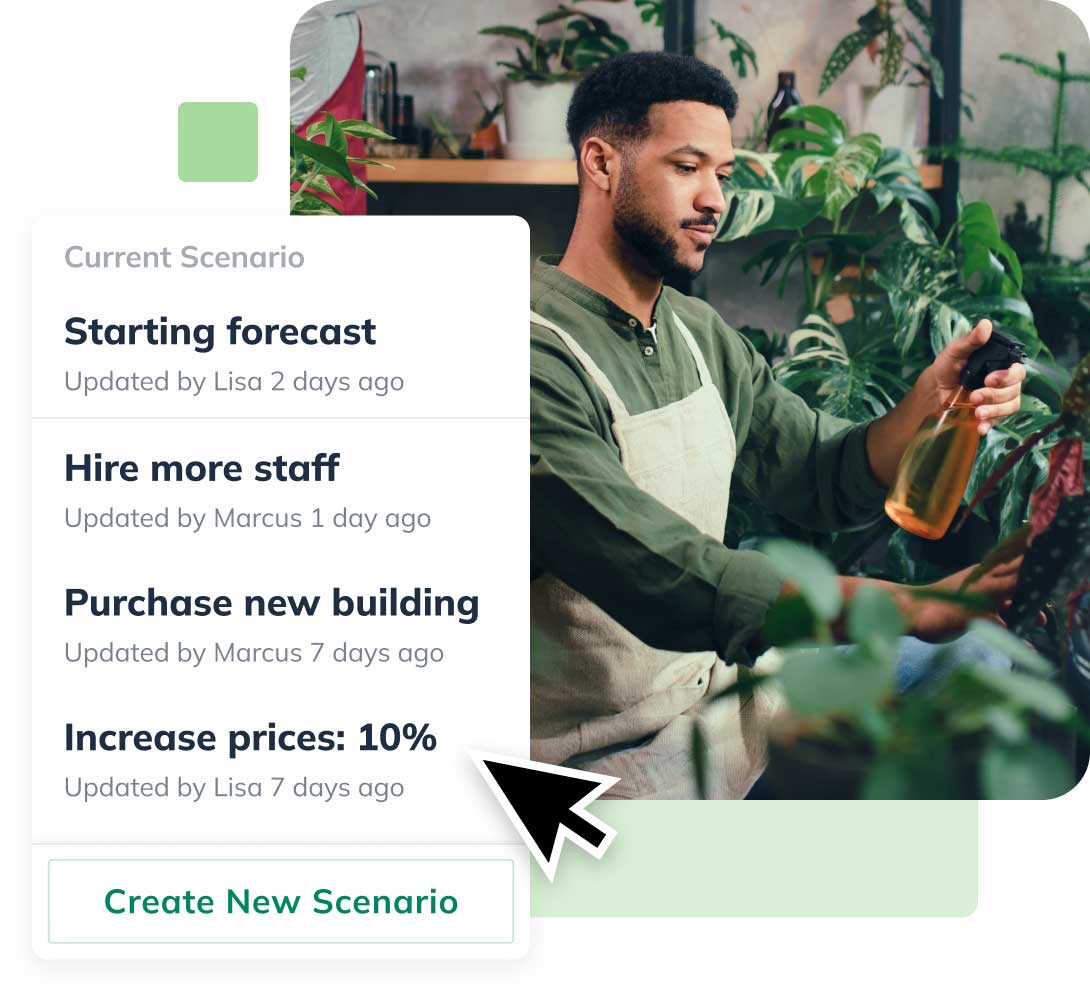
Compare your metrics to similar industries
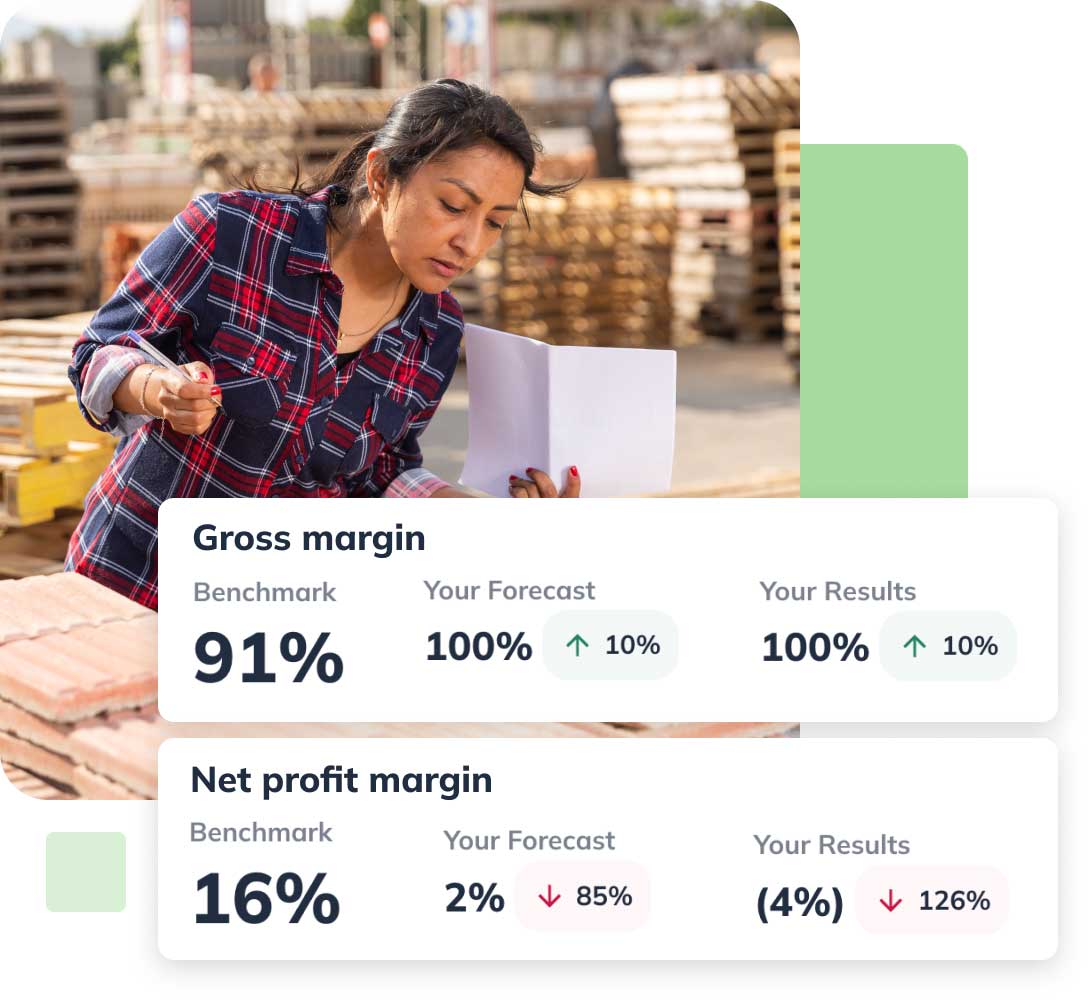
Compare your forecasts to benchmark data from businesses like yours with our cash forecasting software. This helps you figure out if your projections are realistic or if you need to rethink them.
Access:
- Profit metrics
- Cash metrics
- Productivity metrics
- Spending metrics and more
Apply for bank or SBA loans with confidence
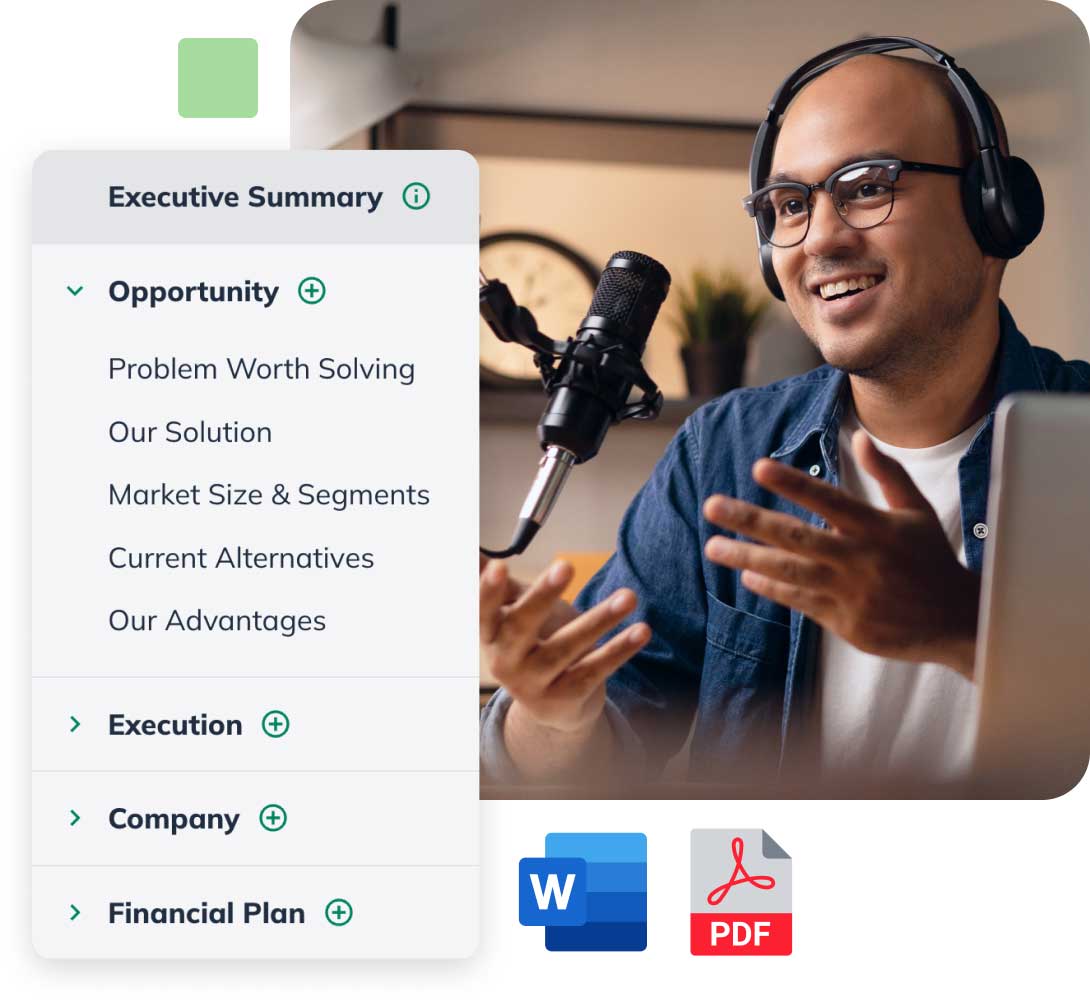
Your forecast covers everything a lender or investor expects to see. If you're going for an SBA loan, a bank loan, a line of credit, or an investment, the lender-ready statements are already built. Share the plan and forecast as a Word doc or a printable PDF.
Plenty of support to help you succeed
Inspiration powered by AI
Get suggestions for revenue streams, expense types, and other forecast categories that are specific to your business.
Guidance from business experts
Stay on track with video walk-throughs, webinars, and more from business planning experts.
If you ever get stuck, our team will help
If you ever have a question, you can instantly chat with one of our cash flow forecast experts.
Discover a simpler way to manage your cash flow
Frequently asked questions
Yes, LivePlan's forecasting data seamlessly integrates with QuickBooks and Xero accounting data in real-time. This integration is simple to set up — press the "Connect Accounting" button, and LivePlan immediately populates your cash and profit totals with real data. There's no manual data entry or spreadsheet linking required.
Your data automatically flows into your Profit & Loss statement, balance sheet, and cash flow statements within the app. LivePlan instantly creates in-depth charts and graphs combining your accounting data and sales forecasts, and incorporates them into your business plan documents and presentations without any manual importing.
Now it's easier than ever to share visually engaging reports with business partners, investors or lenders that take both a backward and forward-looking view of your business's financial performance. The syncing is one-way so none of your past accounting data in QuickBooks or Xero is affected. LivePlan only pulls the necessary information to update your forecasts and financial statements.
No. You get a full cash flow forecast without it: describe the business to Help Me Forecast, enter the numbers directly, or import a spreadsheet. Connecting QuickBooks or Xero is the LivePlan Premium option for keeping the forecast current from real results.
LivePlan walks you through it, starting with basic information about your business and what you're aiming at. You set your cash projections for up to five years in the future.
You can easily change how long it takes customers to pay you and how long you wait to pay your bills and see how those changes impact your cash flow.
The intuitive user interface is designed for small business owners who need an easily digestible platform, helping them quickly visualize and modify their cash flow goals as business conditions change. Users also have access to LivePlan's Customer Advocacy team, which is always available to assist.
LivePlan's cash flow tool lets you update or modify your forecasts as often as you need. When new data comes in or business circumstances change, users can easily click back into their cash flow forecasts and make changes. In fact, LivePlan encourages regular reviews and updates of your cash flow forecasts.
Most businesses start with an initial cash flow forecast at the beginning of their fiscal year, and then revise it on a monthly or quarterly basis. LivePlan's Dashboard feature visualizes your data to highlight areas where cash flow and other financial indicators may need to be adjusted based on actual performance.
And the AI-powered Monthly Review feature analyzes your cash flow data to give you monthly and year-to-date insights about where your cash flow projections have been met or have fallen short, along with guidance on where to make adjustments to your forecast.
LivePlan values the security of your financial data and takes robust measures to protect your information. The platform uses the same level of security of online banks. The infrastructure of the LivePlan software is updated frequently with the latest security patches.
LivePlan runs on a dedicated network, locked down with firewalls and carefully monitored. The LivePlan team conducts daily third-party security scans to ensure that the infrastructure remains highly secure and completely up-to-date.
Yes, LivePlan offers multiple options for exporting your cash flow forecasts and other financial data. Users can download customized reports as PDFs directly from the Forecast section of the platform, with various levels of detail to tailor the information to your specific needs.
From the Plan section, users can download their complete business plan, including cash flow and financial statements, as either a PDF or Word document. You can also export only the financial statements if needed.
For those using the Dashboard feature, users can download a full set of metrics comparing actual results to forecasted figures as a PDF, with the option to include a cover page and summary. LivePlan Premium users have the additional option to export forecast categories as CSV files, which can be opened in Excel or other spreadsheet software for more detailed analysis and formatting.
These options provide flexibility to easily share cash flow forecasts with team members, investors, lenders and other stakeholders.