


Financial Forecasting Software
Know your numbers are right.
LivePlan builds real, connected forecasts — P&L, cash flow, and balance sheet — a lender can stress-test.
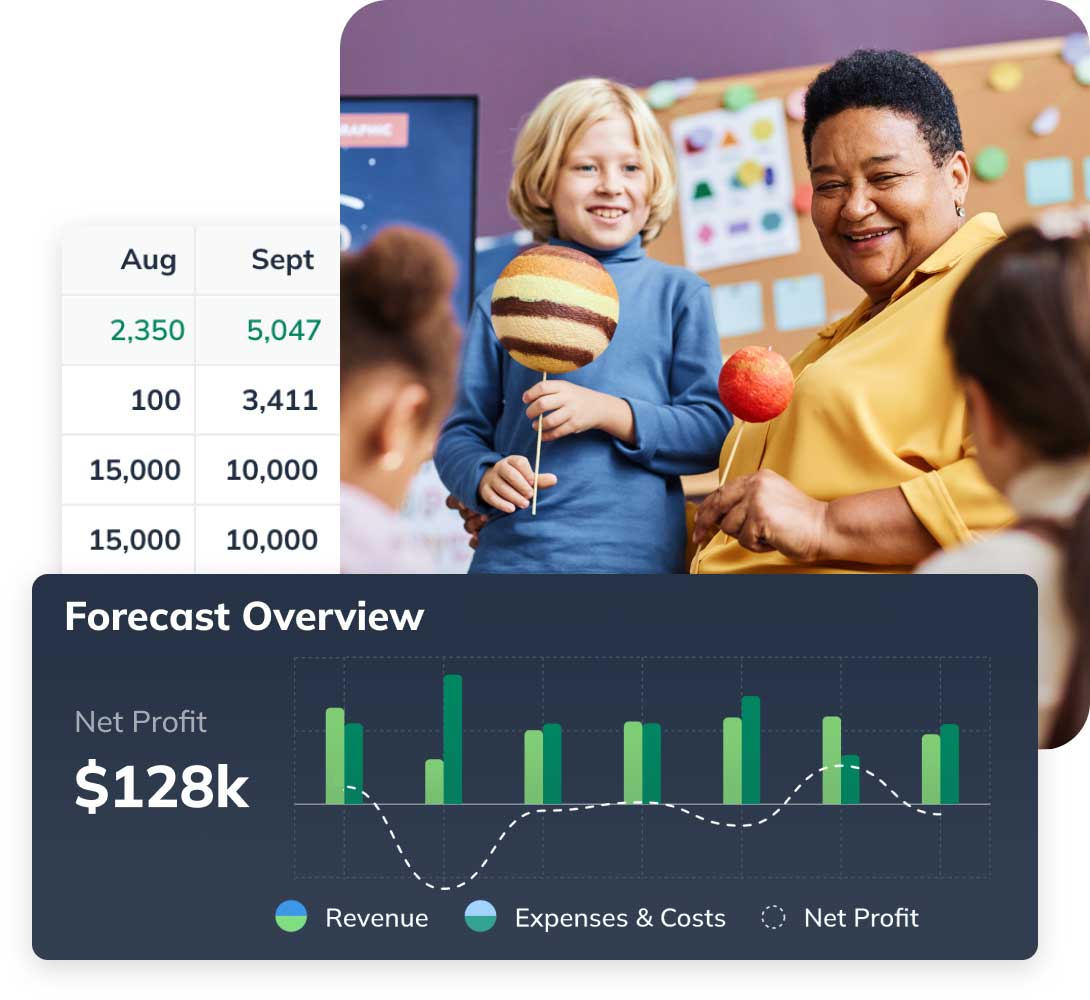

Trusted by over 1 million small business owners


4.8/5 Google reviews

35-day money-back guarantee
Get started risk-free
You don't need a finance background
LivePlan walks you through your forecast one step at a time and handles the accounting logic for you. You end up with a real, connected financial model — even if you've never built one before.

Don't leave a dollar — or a cost — off the page
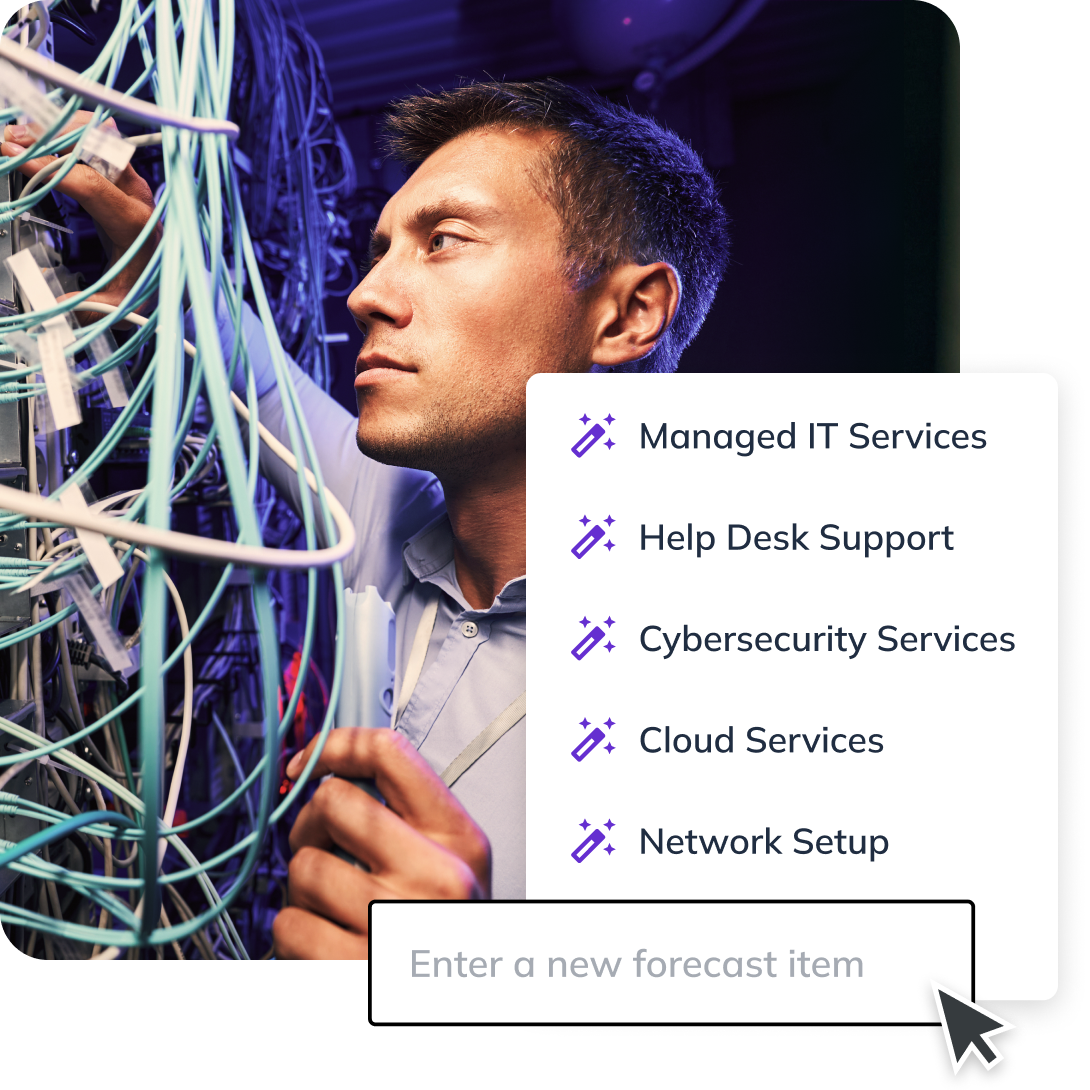
Not sure you've captured every revenue stream or expense? LivePlan suggests the ones businesses like yours typically have, so nothing's missing and no forgotten cost blindsides you later.
Build it without breaking a formula
Click and drag to set your budget and forecast — no fragile spreadsheet formulas to break — and watch your numbers adjust across the seasons as you go.

Charts your plan will be judged on, done right
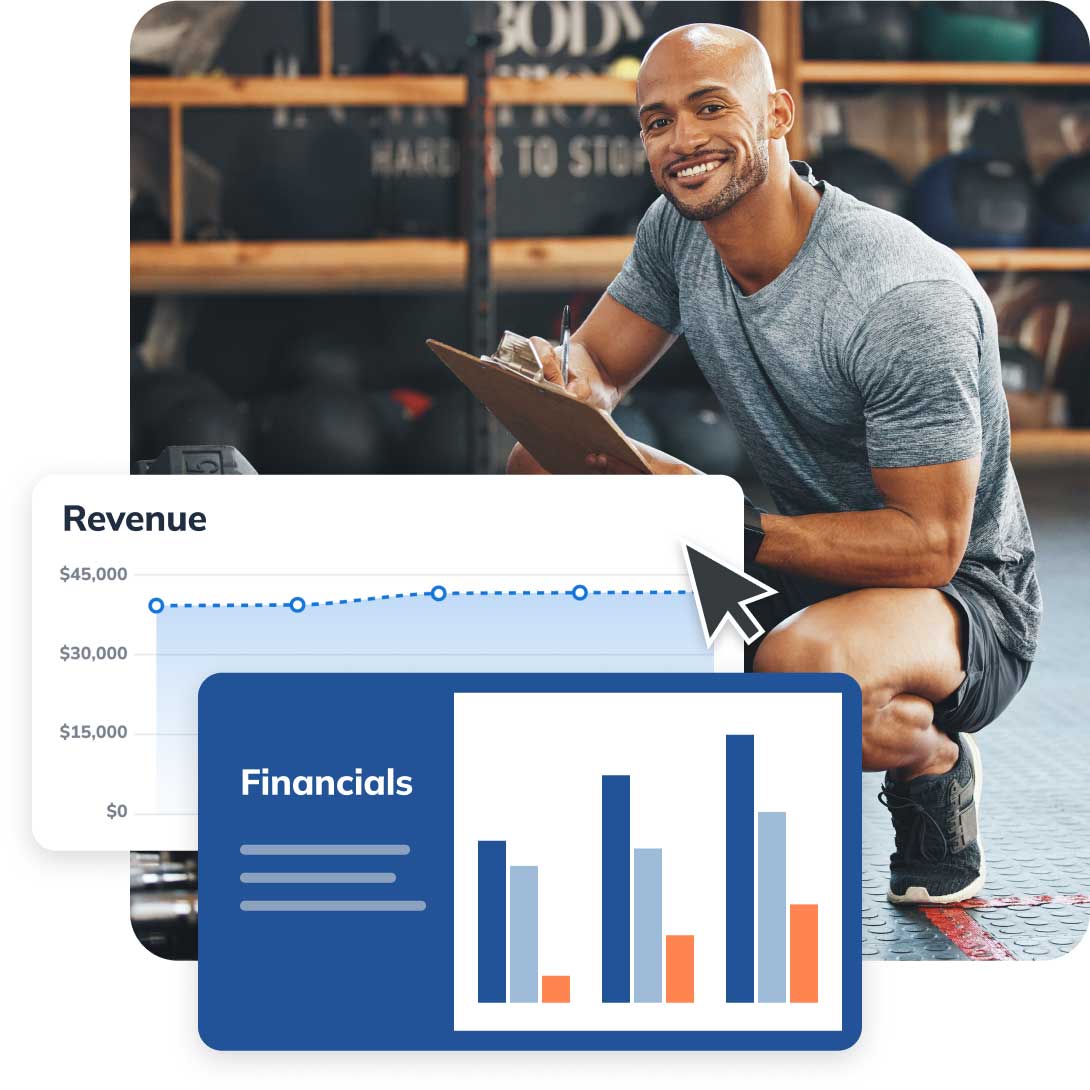
LivePlan turns your numbers into the professional charts lenders and investors expect — formatted correctly and dropped straight into your plan and your pitch presentation, so you never second-guess how it looks in the room. And LivePlan keeps everything up-to-date so you don't have to worry if your financials are in sync with your plan or your presentation.
Every statement a funder expects
Your plan will be complete and correct — guaranteed. LivePlan builds the full set of statements banks and investors look for, in a format approved everywhere from SBA lenders to venture capitalists.
- Revenue Forecast
- Expense Budget
- Profit & Loss
- Balance Sheet
- Cash Flow
- Personnel Plan
- Asset Purchases
- Direct Costs
- Funding Sources
- Key Financial Assumptions

Trusted by over 1 million small businesses and entrepreneurs like Darryl
“The ability to try various financial models with LivePlan's forecasting tools has added depth to our business plans and helped us secure funding multiple times.”
Darryl Nicke
Founder, Carbon Capture Shield
Make the call before you make the commitment
See how a new hire, a slow quarter, or a big new order would play out before you commit — then plan around the answer. See how scenario planning works.

Already in business? Start from your real numbers
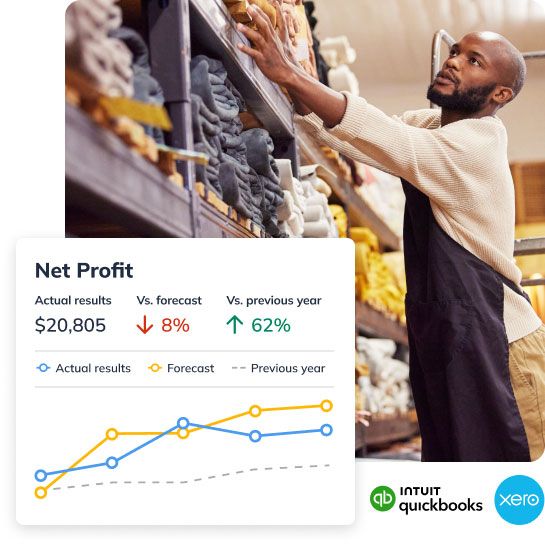
Connect QuickBooks or Xero and LivePlan builds your forecast from your actual financials — no data entry — so you're planning your next move on numbers you already trust. And LivePlan makes it easy to compare your plan to your actual results every month with automatic reports.
Know what's working — and what to fix
LivePlan's Monthly Review surfaces your biggest revenue drivers and cost changes automatically, so you can see the story behind your numbers and decide what to do next. See how Monthly Review works.

Walk in with numbers you can back up
Totally risk free. 35-day money-back guarantee.
Frequently asked questions
LivePlan integrates with QuickBooks Online and Xero to turn your accounting data into real-time budgets and forecasts.
By importing your actuals data from Xero or QuickBooks into LivePlan's financial forecasting tool, you're not just keeping your results up to date but also making it easy to compare your actuals to your LivePlan forecast. Companies with connections to accounting software automatically update with the latest totals each time you sign in to LivePlan.
If you aren't a QuickBooks or Xero user, you can still bring in your accounting data by uploading a .CSV file or manually update directly in the app.
LivePlan Premium users can create up to ten different financial forecast scenarios. You can create new scenarios by copying a current forecast, starting over from scratch, or importing your accounting data to use as a starting point.
Once a forecast scenario is created you can switch between active scenarios at any time and even review performance between different forecasts directly withing your business dashboard. Just click on the scenario selection menu and choose the one you want to view using the drop-down menu.
LivePlan's Performance Dashboard provides real-time business insights through 20+ trend reports covering individual business metrics along with standard financial reports like your Profit and Loss, Balance Sheet, and Cash Flow Statements.
Once you create a forecast and connect your accounting solution, you also get access to the AI-powered Monthly Review which analyzes your accounting data from QuickBooks or Xero and automatically generates a report explaining your financial performance — both month-to-month and fiscal year-to-date.
LivePlan protects your financial data using encryption, HTTPS and other technology. We use our own services just like our customers do and ensuring data security is a top priority for us.
Check out our full security policy for more details.
Yes. LivePlan builds complete, professionally formatted financial statements — including your profit and loss, cash flow, and balance sheet — in the format banks, lenders, and investors expect to see. Because your forecast follows standard accounting structure, you can drop it straight into your business plan or hand it to a lender with confidence.
No. LivePlan guides you through your forecast with plain-language prompts and AI suggestions, and it handles the formulas and formatting for you. If you can answer basic questions about what you sell, what you charge, and your costs, LivePlan turns those answers into a complete financial forecast.